Remove the old OneView settings page from Salesforce navigation
To remove the old page from navigation:
-
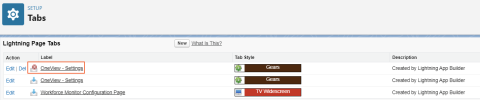
From Setup, search for Tabs.
-
Find the OneView - Settings page with a red X next to it.
-
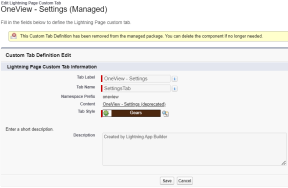
Click Delete from this view, or click Edit to see the following message before proceeding.
Result: The old OneView - Settings page is removed.